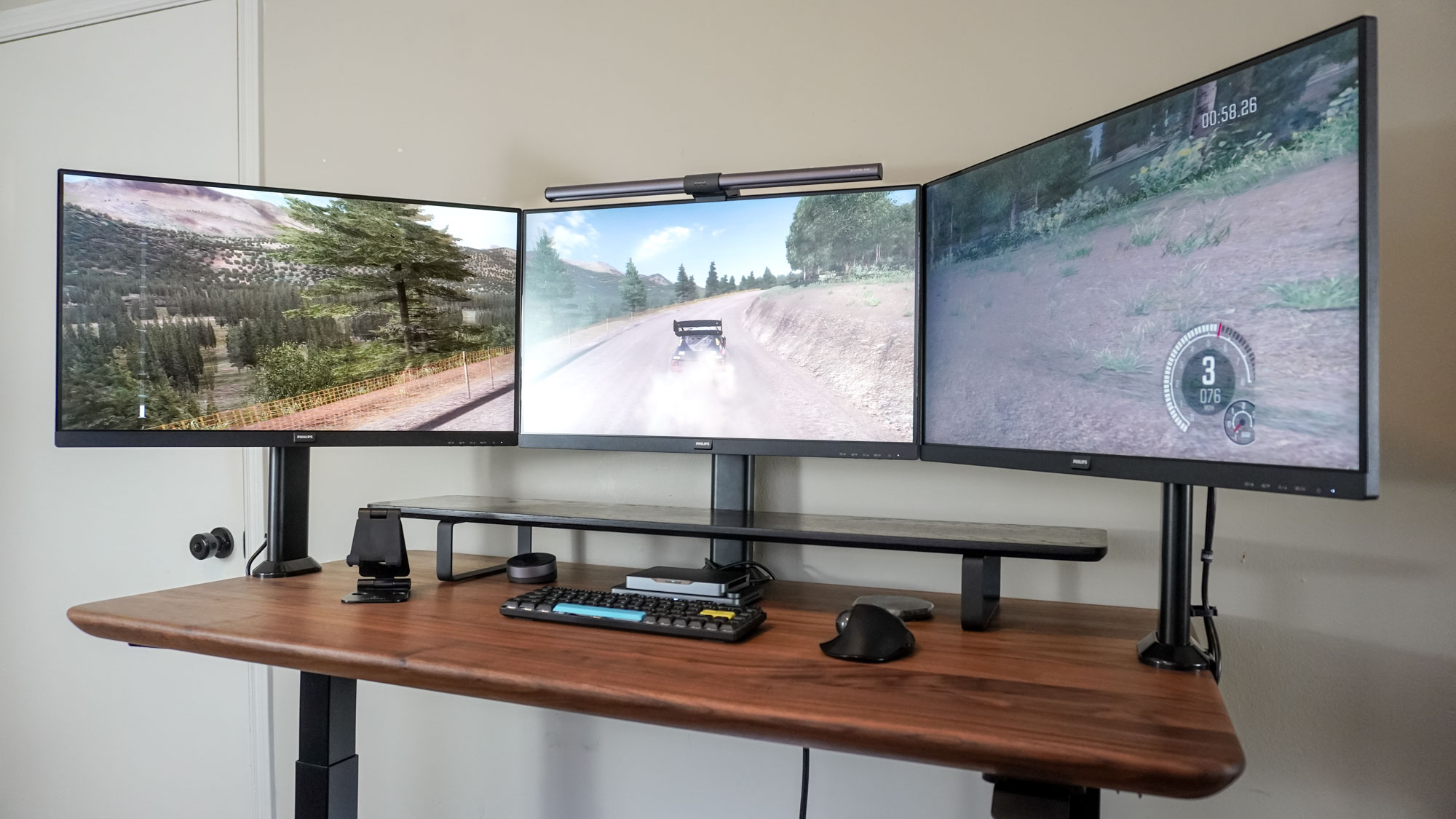
Essential Monitor Setup Tips for a Productive Workspace
Creating a productive workspace starts with an optimal monitor setup. Ensure that your monitor is positioned at eye level, which can help reduce neck strain and promote better posture. Ideally, the top of the monitor screen should be at or just below eye level, allowing you to view the screen comfortably without tilting your head. Additionally, maintain a distance of about an arm's length from the monitor to keep your eyes comfortable during extended work sessions.
Another crucial aspect of your monitor setup is the arrangement of multiple screens, if applicable. When working with dual monitors, place them side by side at equal height to create a seamless transition between screens. Consider using stand-alone monitor arms to adjust the height and angle of each display for maximum ergonomic benefit. Moreover, remember to organize your workspace by keeping essential items within arm's reach and minimize clutter to ensure that you stay focused and productive.
Keeping your workspace organized can greatly enhance productivity, and effective cable management is key for monitors. To explore the best options available, check out the Top 10 Cable Management Solutions for Monitors that can help you tidy up your setup and reduce clutter.
How to Choose the Right Monitor for Your Productivity Needs
Choosing the right monitor for your productivity needs can significantly enhance your workflow and comfort. Start by assessing the size of the monitor that fits your workspace. Generally, a monitor between 24 to 32 inches is ideal for most users, as it offers enough screen real estate for multitasking without overwhelming the desk. Additionally, consider the resolution: a higher resolution (like 4K) allows for sharper images and more screen space to display multiple applications simultaneously. This means less eye strain and greater efficiency.
Another crucial factor to consider is the panel type of the monitor. There are three main types: IPS panels for the best color accuracy and viewing angles, TN panels for faster refresh rates and budget-friendliness, and VA panels that offer good contrast and depth. Each type serves different productivity needs, so choose according to your primary tasks. Lastly, features like adjustable stands and blue light filters can further enhance your comfort, allowing you to work longer without fatigue.
Is Dual Monitor Setup Worth It? Exploring Benefits and Tips
In today's fast-paced digital world, many professionals are asking themselves, Is a dual monitor setup worth it? The short answer is yes, as dual monitors can significantly enhance productivity and streamline workflow. Research indicates that having an additional screen can help reduce the time spent switching between tabs and applications, allowing for a more efficient work environment. With a dual monitor setup, tasks such as comparing documents, programming, or data analysis become far simpler and faster. This enhanced multitasking can ultimately lead to better time management and increased output, which are essential in competitive landscapes.
Besides boosting productivity, a dual monitor setup also enhances the overall user experience. Here are some benefits of using two monitors:
- Increased screen real estate: More space means you can keep multiple applications open simultaneously.
- Improved organization: You can dedicate one screen for specific tasks while keeping reference materials on another.
- Better collaboration: When working with a team, it's easier to share information across screens.
To get the most out of a dual monitor setup, consider tips such as adjusting your monitor heights for ergonomic benefits and utilizing software for better window management. Ultimately, investing in a dual monitor setup can yield substantial returns in efficiency and comfort.